
PCBuilder
PCBuilder Intel i5-14400 OFFICE Master Windows 11 Desktop PC
Office desktops
R 16 999,00
Low stock: 2 left
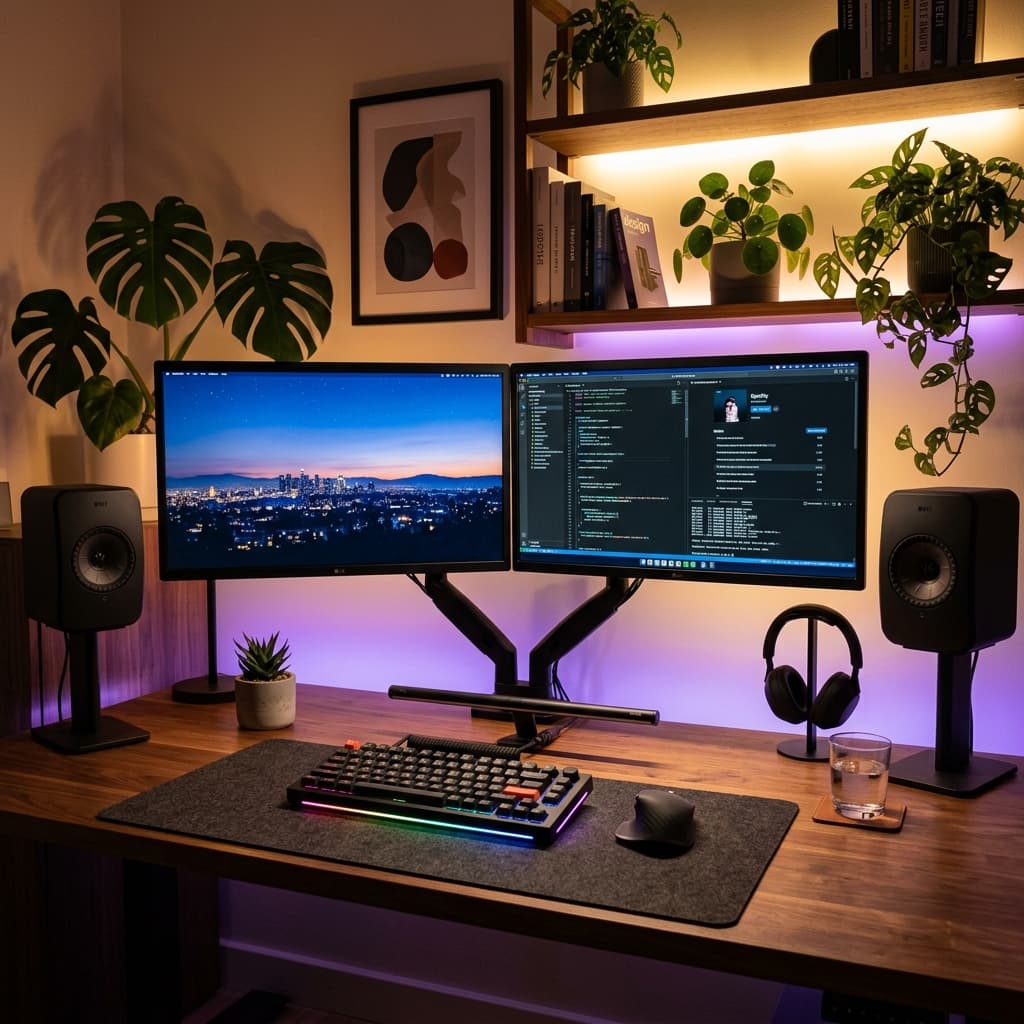
Finding the right desktop computer in South Africa can be overwhelming. If you browse a massive marketplace, you are often hit with hundreds of confusing specs, outdated processors, and generic descriptions that don't tell you if a PC will actually run your accounting software or your favorite games smoothly.
Whether you are setting up a remote work home office, outfitting a small business, or looking for your first 1080p gaming rig, you don't need to overspend. In this guide, we break down the best desktop computers available right now based on exactly what you need them to do.
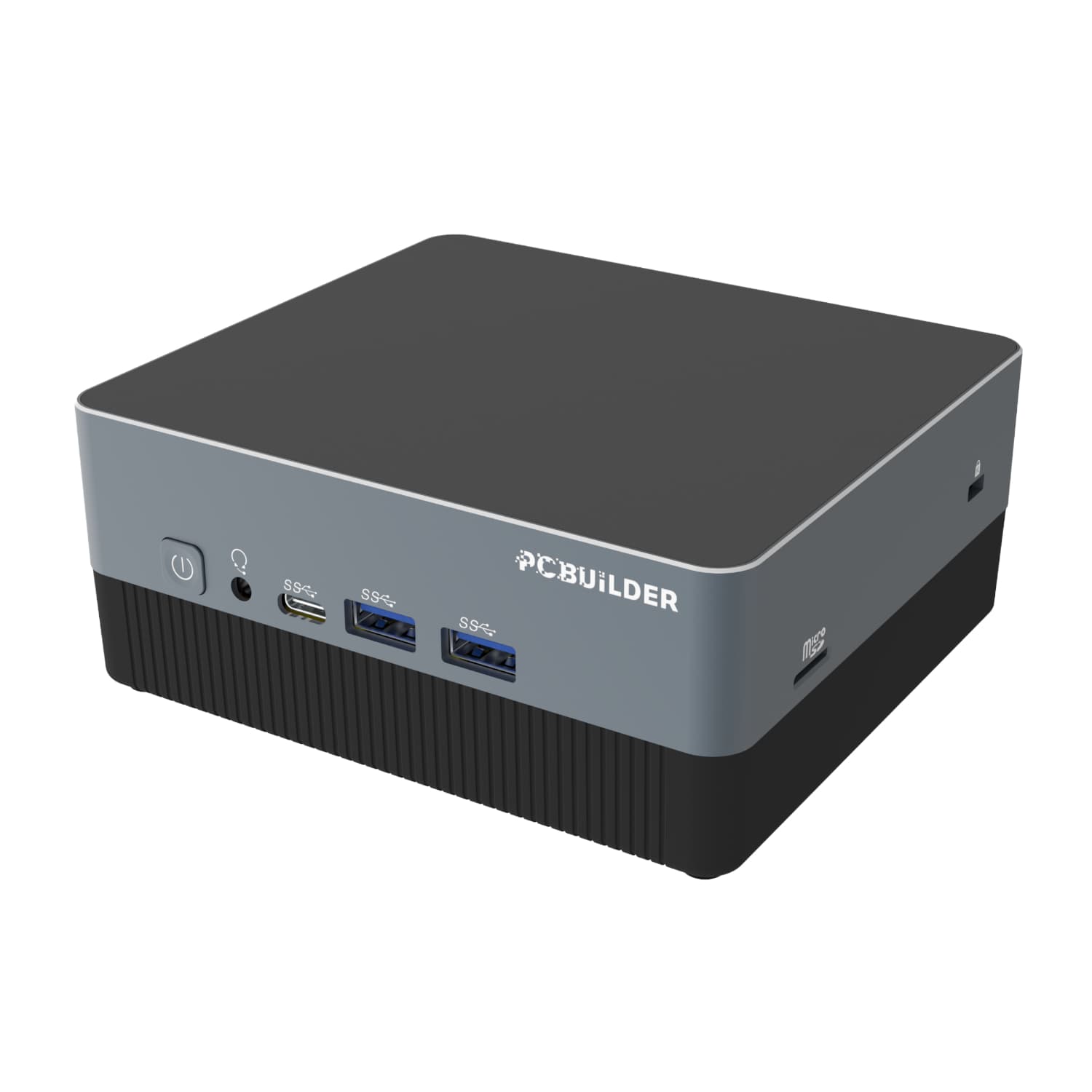
If your daily tasks involve web browsing, Microsoft Office, watching YouTube, and Zoom calls, you do not need a massive, noisy desktop tower. The PCBuilder CUBE Intel i3 Mini PC packs a punch without taking up space.
While standard home office guidelines recommend an Intel Core i3 with 8GB RAM and 256GB SSD, this premium mini PC doubles down with 16GB DDR4 RAM and a massive 512GB SSD, pre-installed with Windows 11 Pro for professional environments.
The trend for home offices is shifting rapidly toward Mini PCs. These ultra-compact units mount directly to the back of your monitor (via a VESA mount), freeing up valuable desk space. Despite their size, modern Mini PCs pack full-sized solid-state drives (SSDs) ensuring Windows 11 boots up in seconds. They draw significantly less power than a traditional tower, which is a massive bonus during loadshedding if you are running your setup off an inverter or portable power station.
When you are running multiple spreadsheets, accounting software (like Sage or Xero), and heavy web applications simultaneously, an entry-level processor will start to freeze. The PCBuilder Intel i5 OFFICE Master Desktop PC is engineered to eliminate bottlenecks.
Equipped with a 14th Gen Intel Core i5 processor, 16GB of DDR4 memory, and a fast solid-state drive, this configuration ensures lightning-fast load times and flawless multitasking.
For small businesses, reliability and multitasking speed are money. Upgrading to a mid-tier processor (like an Intel i5) paired with 16GB of RAM is the sweet spot. 16GB of RAM ensures that having 20 browser tabs open while running heavy local software won't crash your system. We highly recommend traditional form-factor towers for businesses because they are incredibly easy to upgrade or repair down the line, extending the lifespan of your investment.
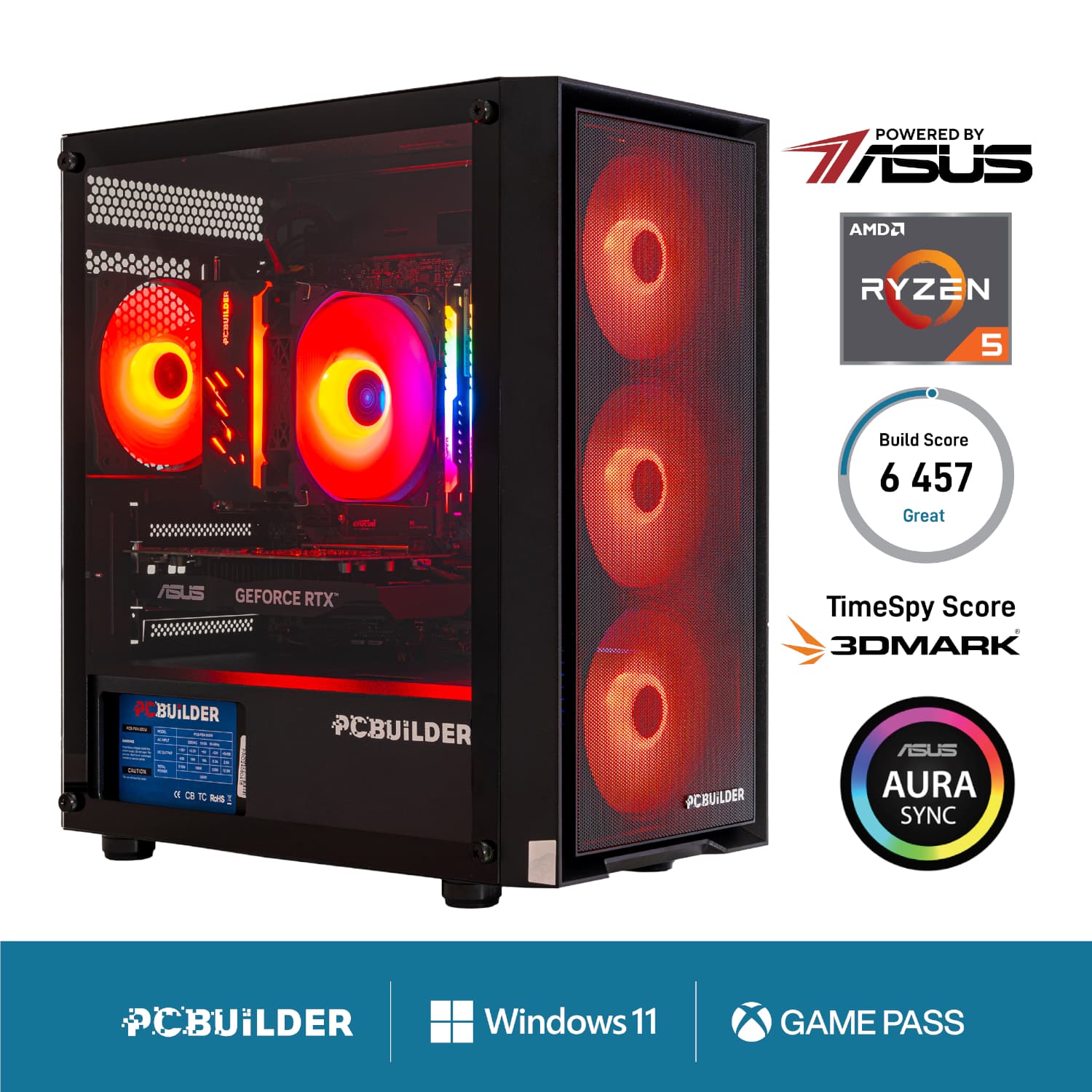
Buying a gaming PC doesn't mean you have to spend R40,000. If you are looking to play popular titles like Fortnite, Apex Legends, or Valorant at smooth frame rates on a standard 1080p monitor, you need a balanced entry-level pre-built like the PCBuilder Ryzen 5 SENTINEL Gaming PC.
This build features a powerful AMD Ryzen 5 CPU, 16GB of high-speed RAM, and a dedicated GPU configuration capable of high framerate 1080p gaming and quick export times in popular video editing suites.
The biggest mistake first-time buyers make on big marketplaces is buying a "Gaming PC" that doesn't actually have a dedicated graphics card (GPU). Our entry-level gaming rigs feature dedicated GPUs (like the NVIDIA RTX series or AMD Radeon RX series), which not only push high frame rates in games but drastically reduce render times if you are editing videos for YouTube or TikTok using Adobe Premiere.
| Model | Price | Key Specs | Best Used For |
|---|---|---|---|
| PCBuilder CUBE Mini PC | R 11 499,00 | Intel i3-1315U | 16GB RAM | 512GB SSD | Home office, students, loadshedding backup setups |
| PCBuilder OFFICE Master | R 16 999,00 | Intel i5-14400 | 16GB RAM | 512GB SSD | Office workstations, multitasking, business software |
| PCBuilder SENTINEL Gaming PC | R 18 999,00 | Ryzen 5 5600XT | 16GB RAM | 1TB SSD | Dedicated GPU | 1080p gaming, content creation, video editing |
A Hard Disk Drive (HDD) is older technology that uses spinning magnetic platters to store data; it is cheap but very slow. A Solid State Drive (SSD) uses flash memory, making it up to 10 times faster. An SSD ensures your computer boots up instantly and applications load without lag. We only recommend desktops with an SSD as the primary drive.
Yes, traditional tower desktops (like business towers and gaming PCs) are highly upgradeable. You can easily add more RAM, install a larger SSD for storage, or upgrade the graphics card in the future as your needs grow. Mini PCs are generally limited to RAM and storage upgrades.
PCBuilder
R 16 999,00
Low stock: 2 left
PCBuilder
R 11 499,00
Back order
PCBuilder
R 18 999,00
Low stock: 3 left